Swap
Swap is a market route, not a core protocol operation.
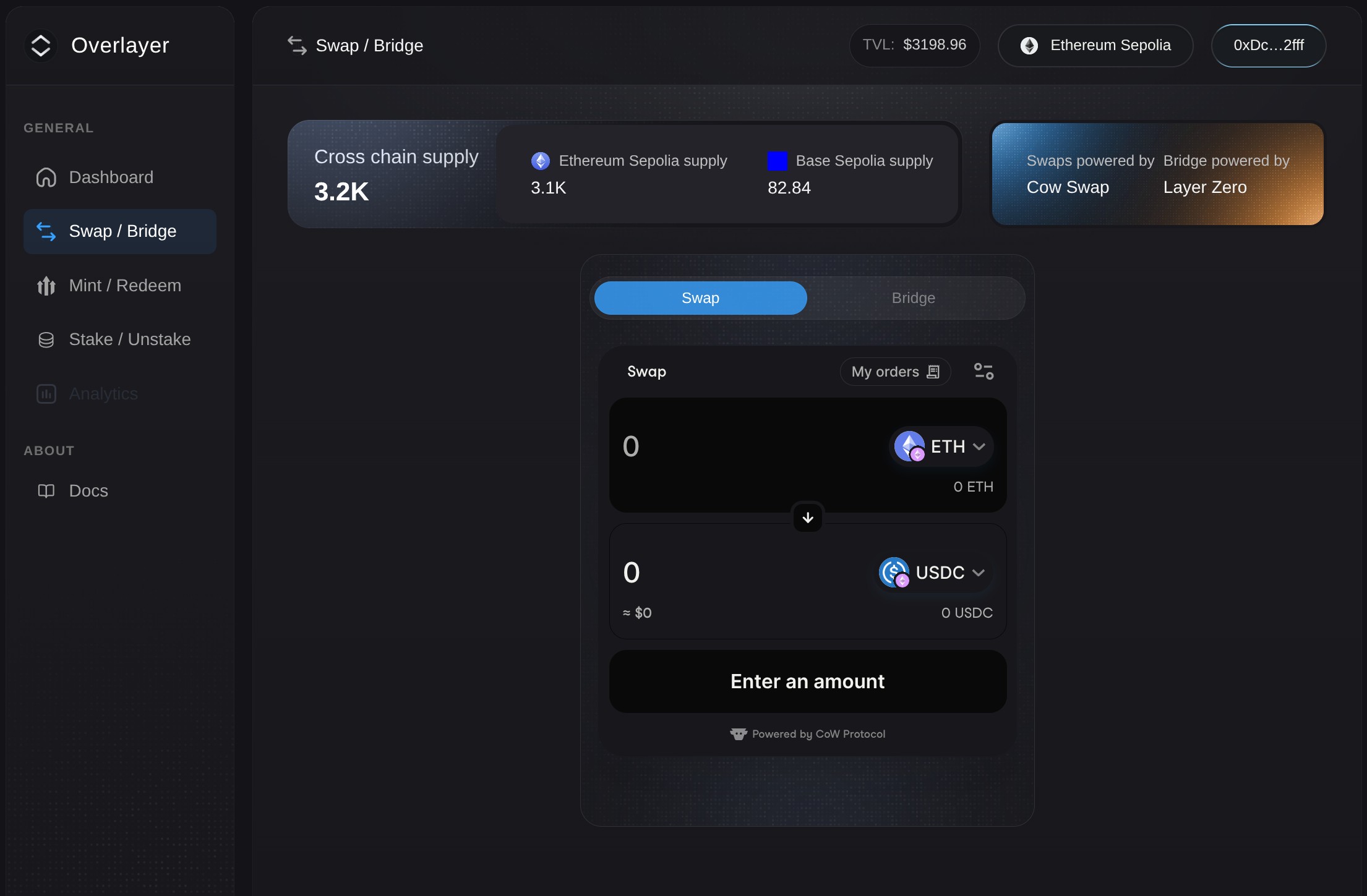
What swap does
Swap lets users access supported assets through market liquidity rather than through protocol-native issuance or redemption. In the dApp, swap is handled through the integrated CowSwap route.
Learn more about Cowswap.
When to use swap
Use swap when:
- You do not already hold the supported underlying asset needed for minting.
- You want market access to overlaid assets.
- You want to exit through market liquidity instead of redeeming.
- You want a practical alternative route rather than the protocol-native action.
General Rules
- Prefer Mint if you already hold the supported underlying stablecoin.
- Prefer Redeem if you want the deterministic protocol exit.
- Prefer Stake if you want protocol-native yield participation.
- Prefer Unstake if you want to exit yield participation while keeping the overlaid asset.
Remember that swap is not Minting, Redeeming, Staking, or Unstaking. However, it can sometimes provide market access to outcomes that resemble those actions. For example, a user may acquire the overlaid asset, dispose of it, or possibly move between liquid and staked forms via secondary liquidity if such markets exist.
How to swap
- Open the Swap/Bridge section from the side menu.
- Set Swap on the widget.
- Select the asset you want to swap from.
- Select the asset you want to receive.
- Enter the amount.
- Review route, price impact, and slippage.
- If this is your first time, click Approve and confirm the approval in your wallet.
- Click Swap and confirm the transaction.
Costs and limits
Because swap is market-based, its execution depends on:
- Liquidity
- Routing quality
- Slippage
- Market price